CSV, Parquet and ClickHouse reporting
Build client reporting dashboards.
Connect your data, create charts and formulas, and share reports with clients. Let your agent draft the dashboard, then edit it yourself.
Every click is also a tool
The editor and your agent share one set of actions. Whatever ChatGPT or Chrome drafts, you can inspect and change by hand.
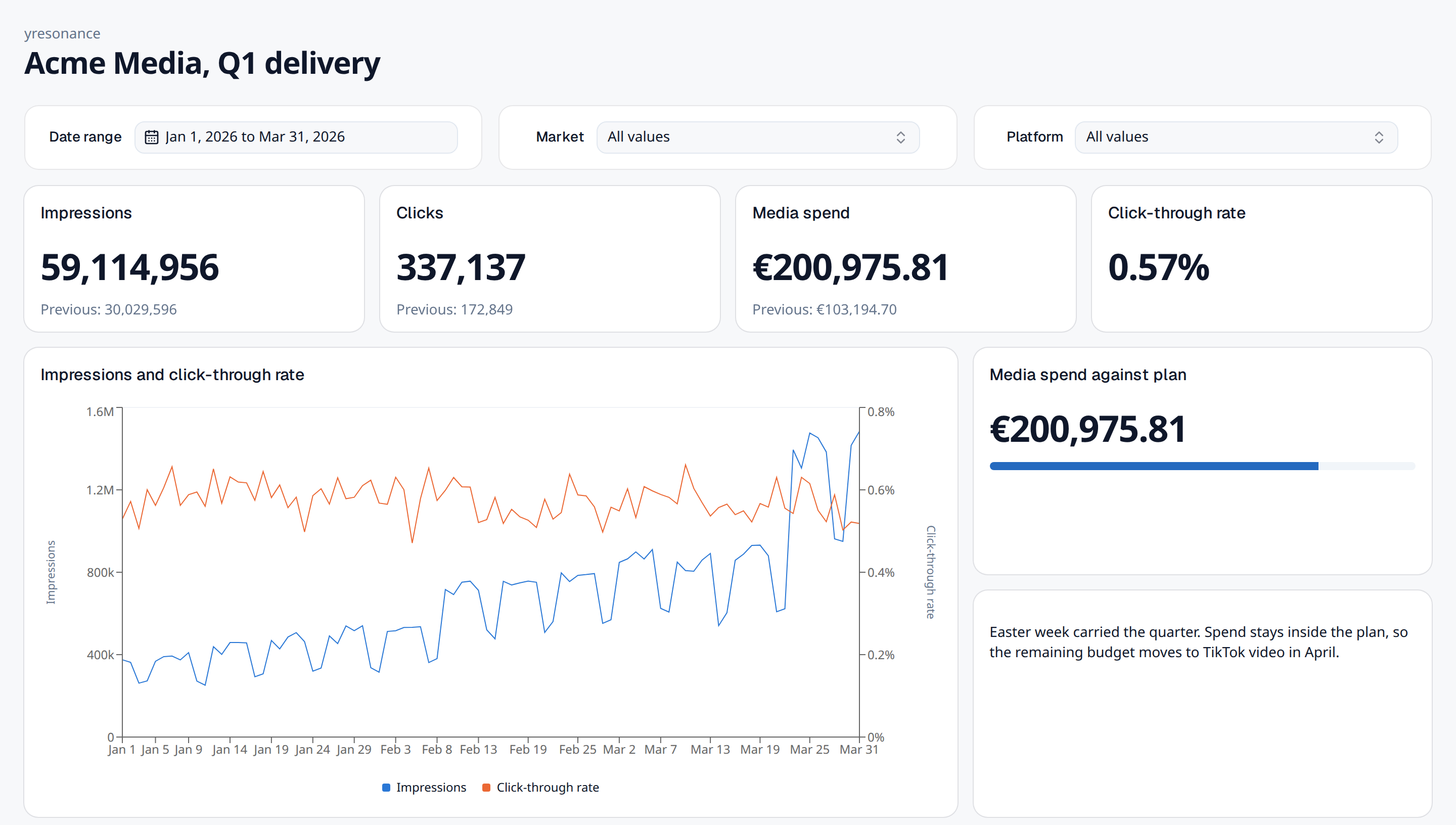
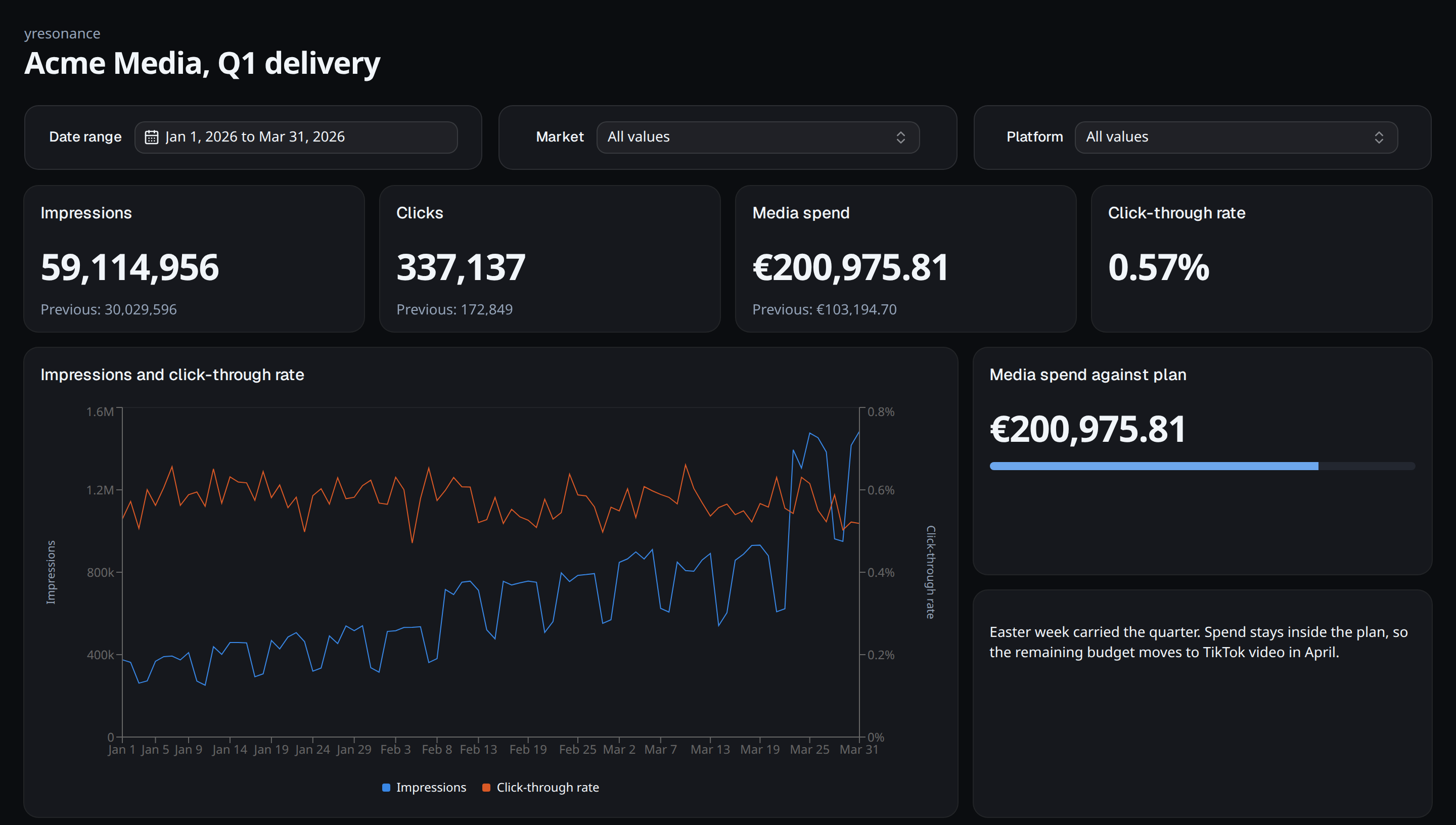
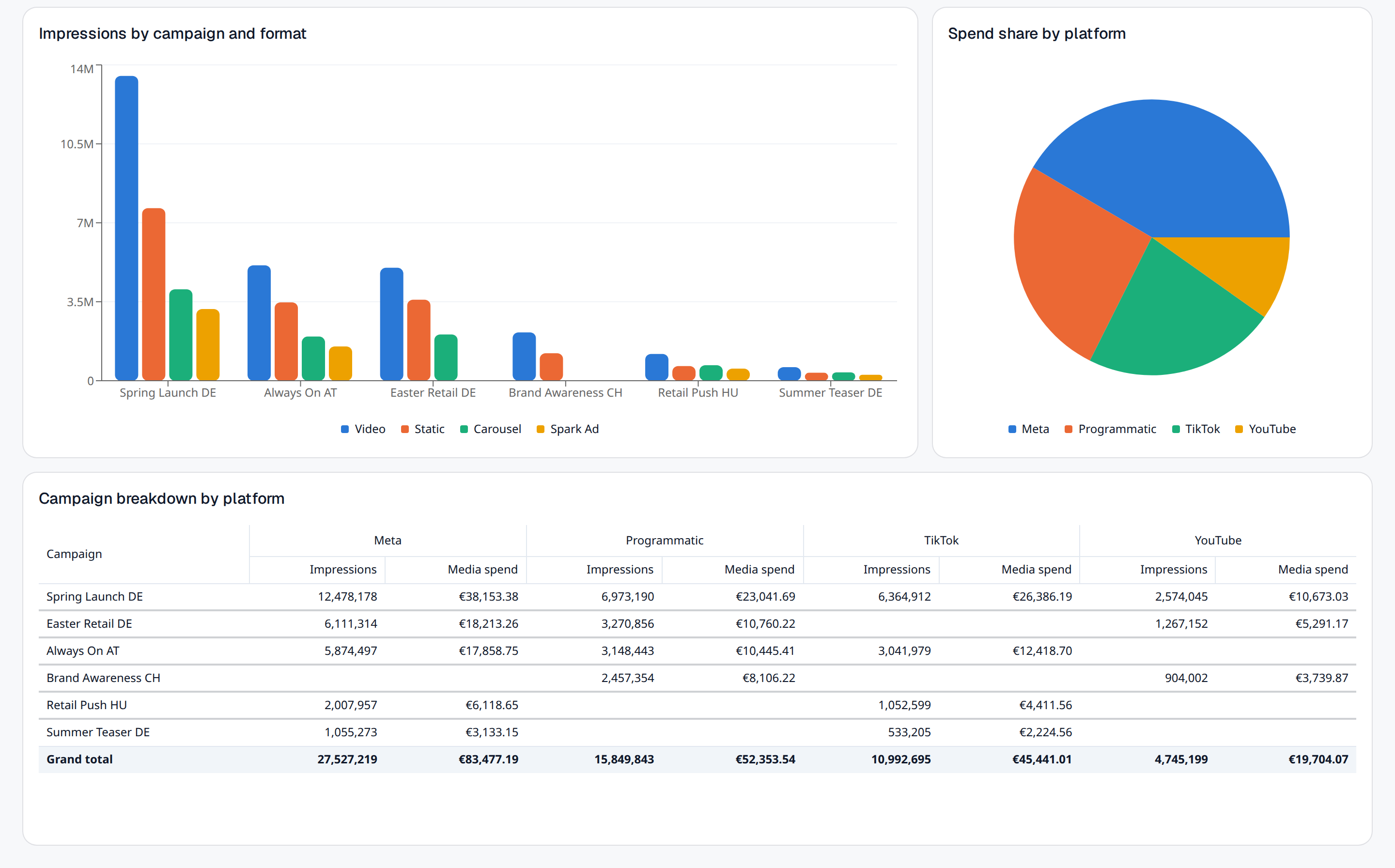
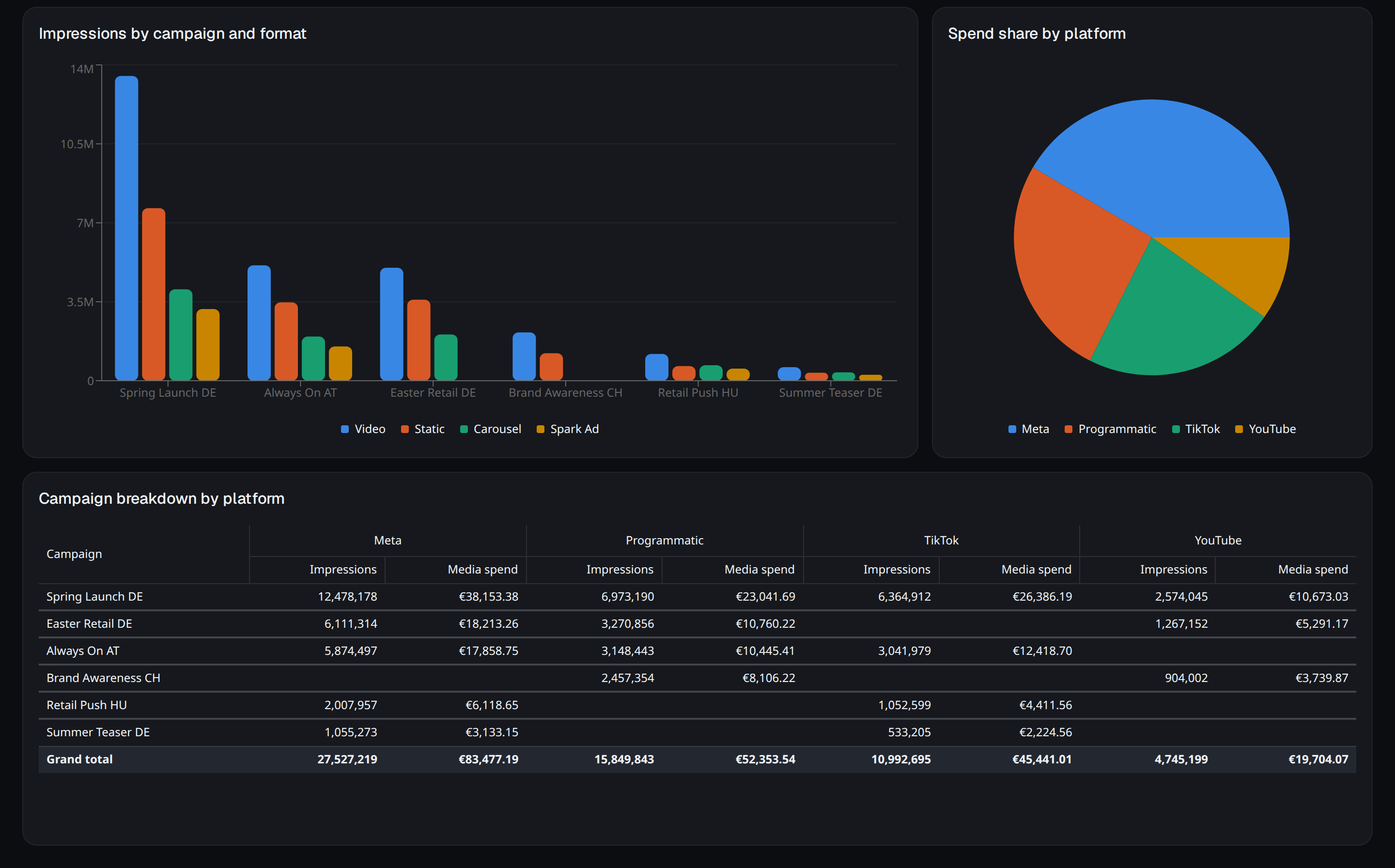
Every breakdown the report needs
Trends, grouped bars, share of spend and a pivot table with totals. One date range and one filter set drive all of them.
Queries stay readable
Widgets compile to SQL over CSV, Parquet or ClickHouse data. Inspect the formulas and choose how long query results stay cached.
- Runs on
 DuckDB
 ClickHouse
ctr = SUM(clicks) / SUM(impressions)
SELECT date, SUM(impressions) AS impressions, SUM(clicks) / SUM(impressions) AS ctrFROM campaign_deliveryWHERE date BETWEEN '2026-01-01' AND '2026-03-31' AND market = 'DE'GROUP BY dateORDER BY date
Field metadata stays yours
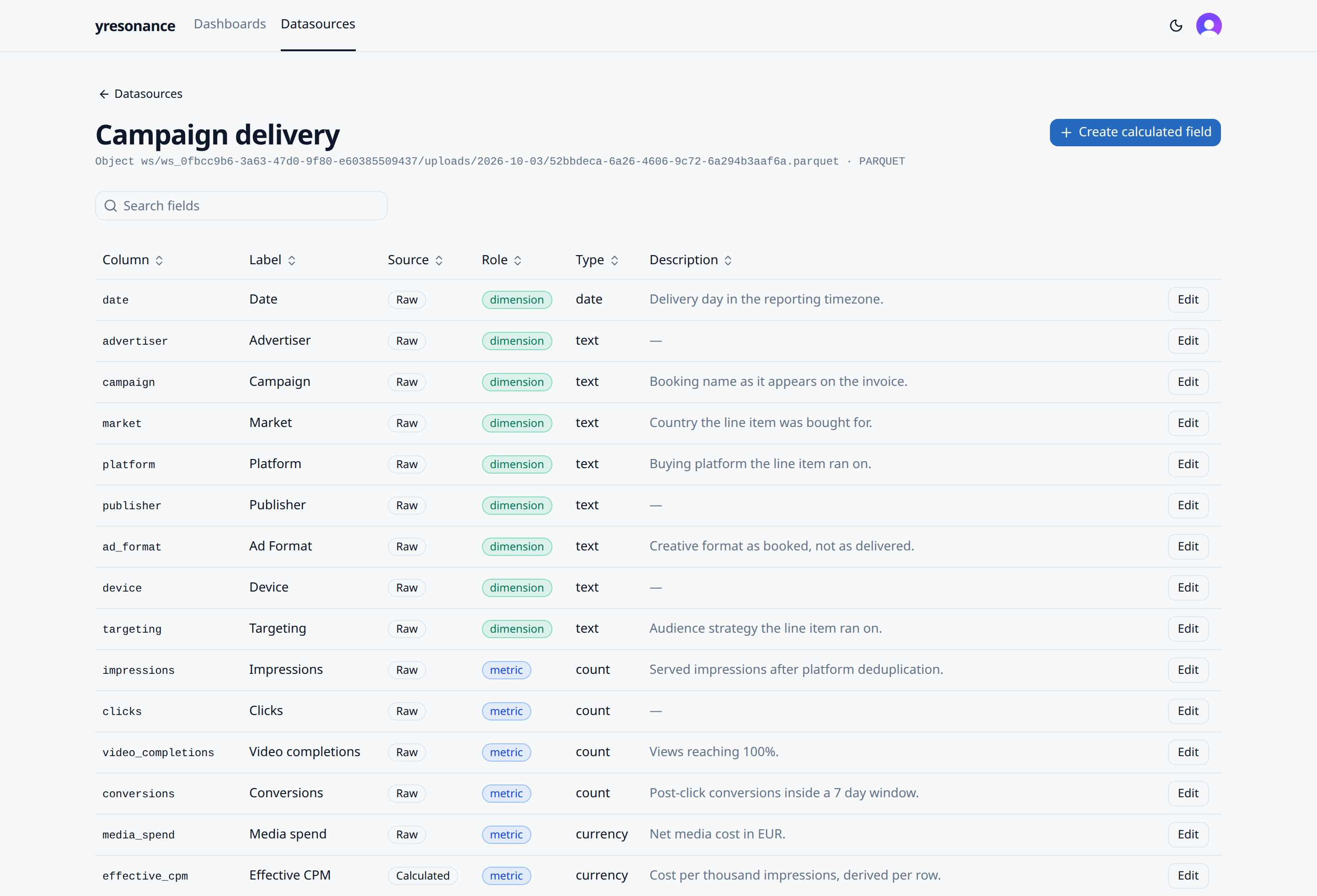
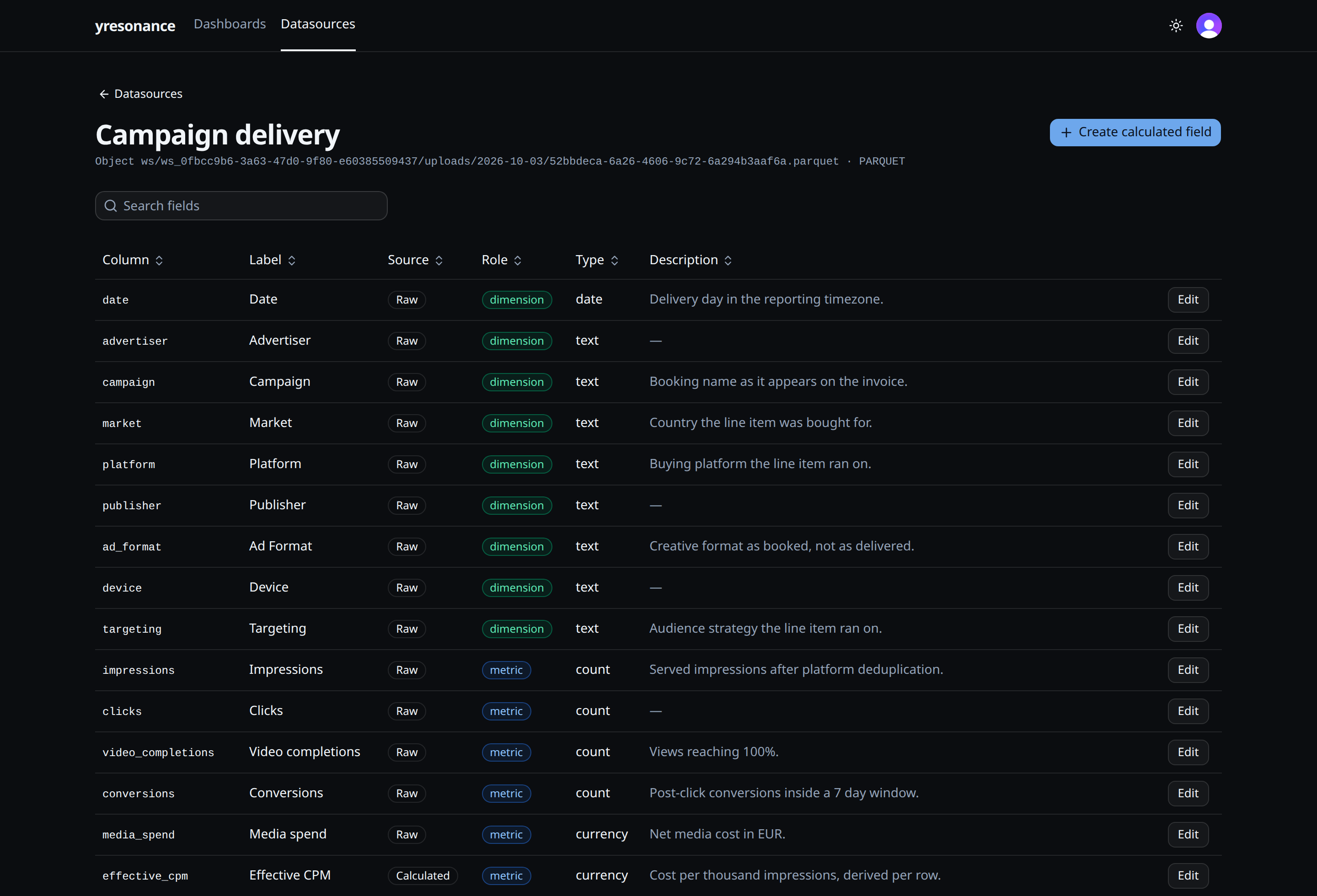
Register a file that already exists, then correct only the labels, roles and types that matter. Every dashboard built on that source follows.
Share without seats
Send a link or grant a colleague access. Viewers get the stored widgets and controls and nothing else.
One filter set
A date range or filter applies to every widget that knows the field, across datasources.
Works on a phone
Clients open the same report on mobile. Nothing extra to build or maintain.
Frequently asked questions
- What is yresonance?
- yresonance is a dashboard builder for client reporting. You can create charts, tables and scorecards, edit formulas, and share reports with clients.
- Which data sources can I use?
- You can upload CSV and Parquet files, register existing files, or connect an authorized ClickHouse table. DuckDB and ClickHouse execute the dashboard queries.
- Can an AI agent build my dashboard?
- An external agent that supports WebMCP can create dashboards and widgets through the site tools. You can inspect and edit the result in the dashboard editor. There is no AI chat inside the app.
- How do I share a report?
- Send an unlisted dashboard link or grant a signed-in colleague access. Viewers can use the published pages and controls without editing the dashboard.